Engagement & wedding ideas
Keep the ideas.
Find your yes.
The ring. The dress. The little details. Gather the possibilities, compare them side by side and remember what you love.
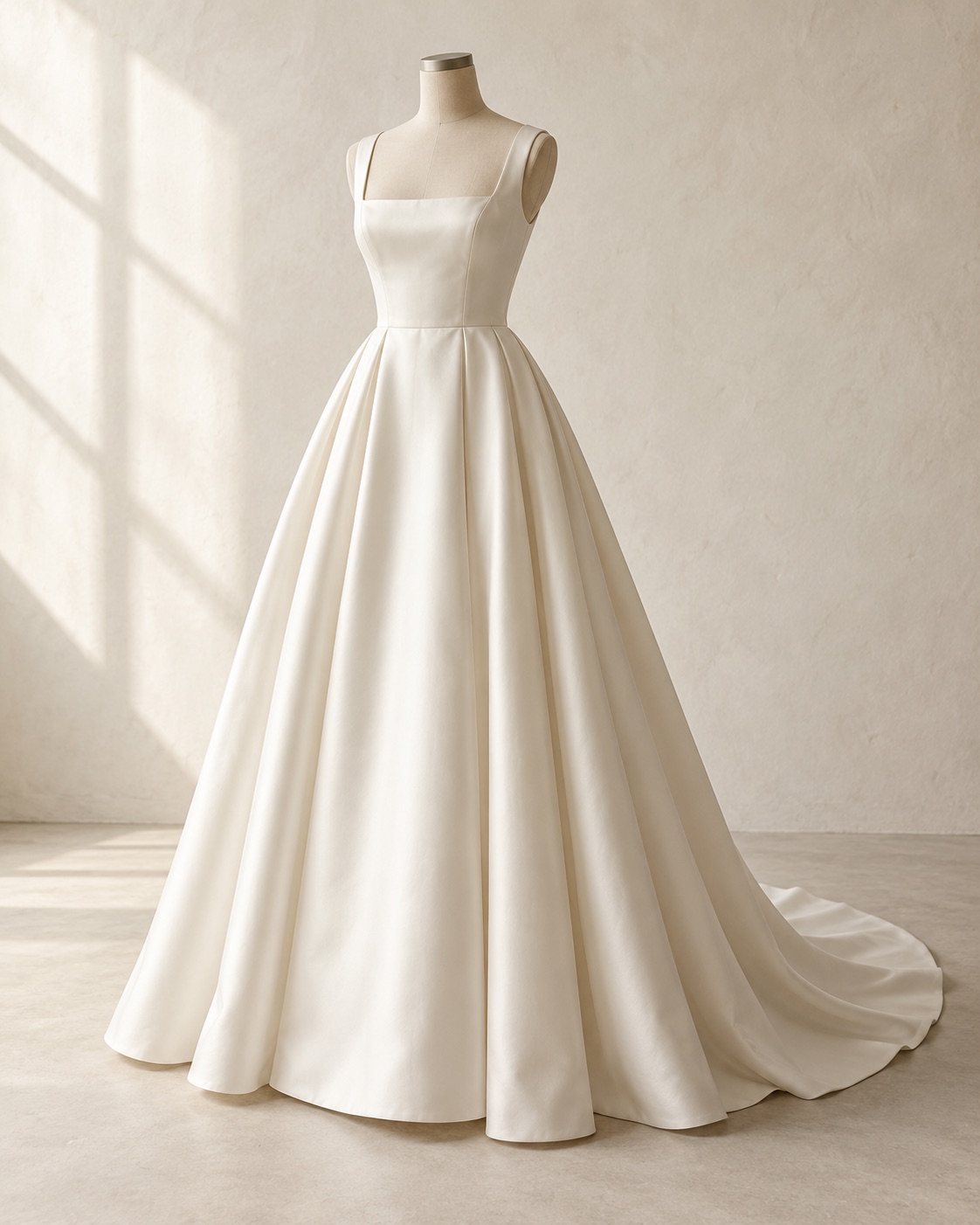
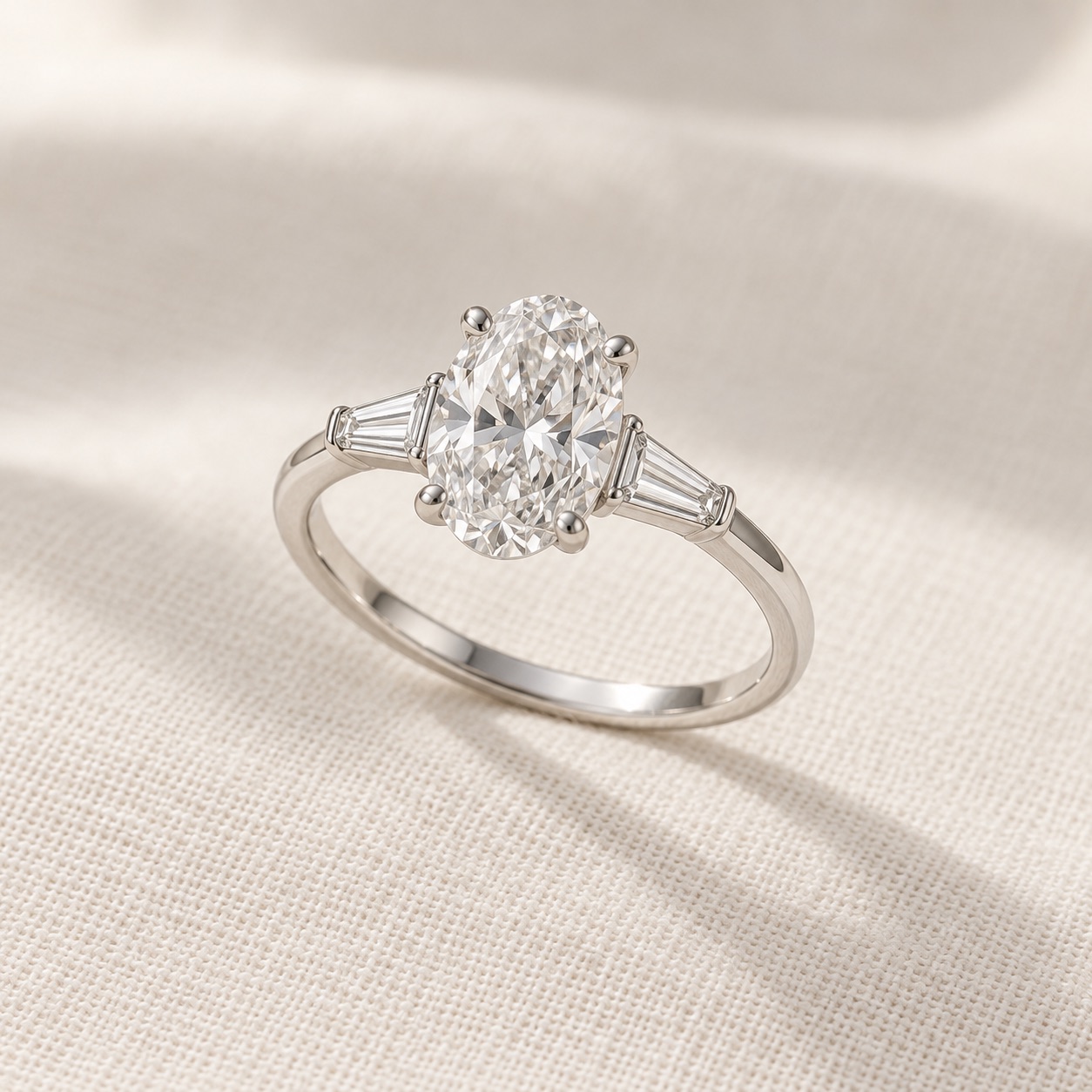
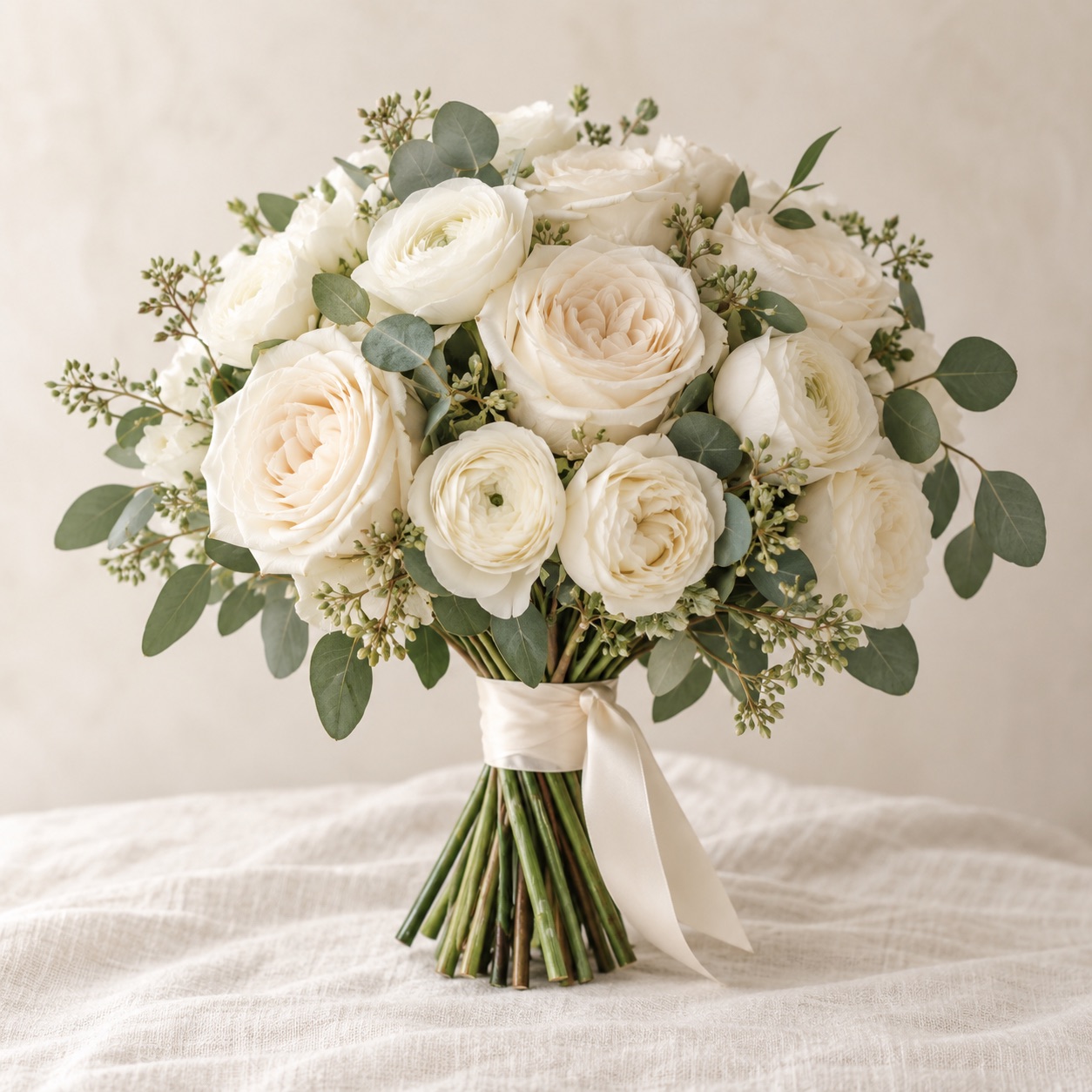
Save what catches your eye.
Bring photos, links, prices and notes together in a board, with supporting views kept alongside each option.
Look a little closer.
Compare options side by side, circle a detail and add a note. Keep your priorities and budget nearby.
Bring your people in.
Share a selected board in the app. Or prepare a PDF with the details your jeweller, florist or supplier needs.
Inside The Yes List
Every view.
All together.
Keep the front, side and close-up photos of each option together. Expand its views to compare the details across your shortlist.
App screenshots with generated sample imagery.
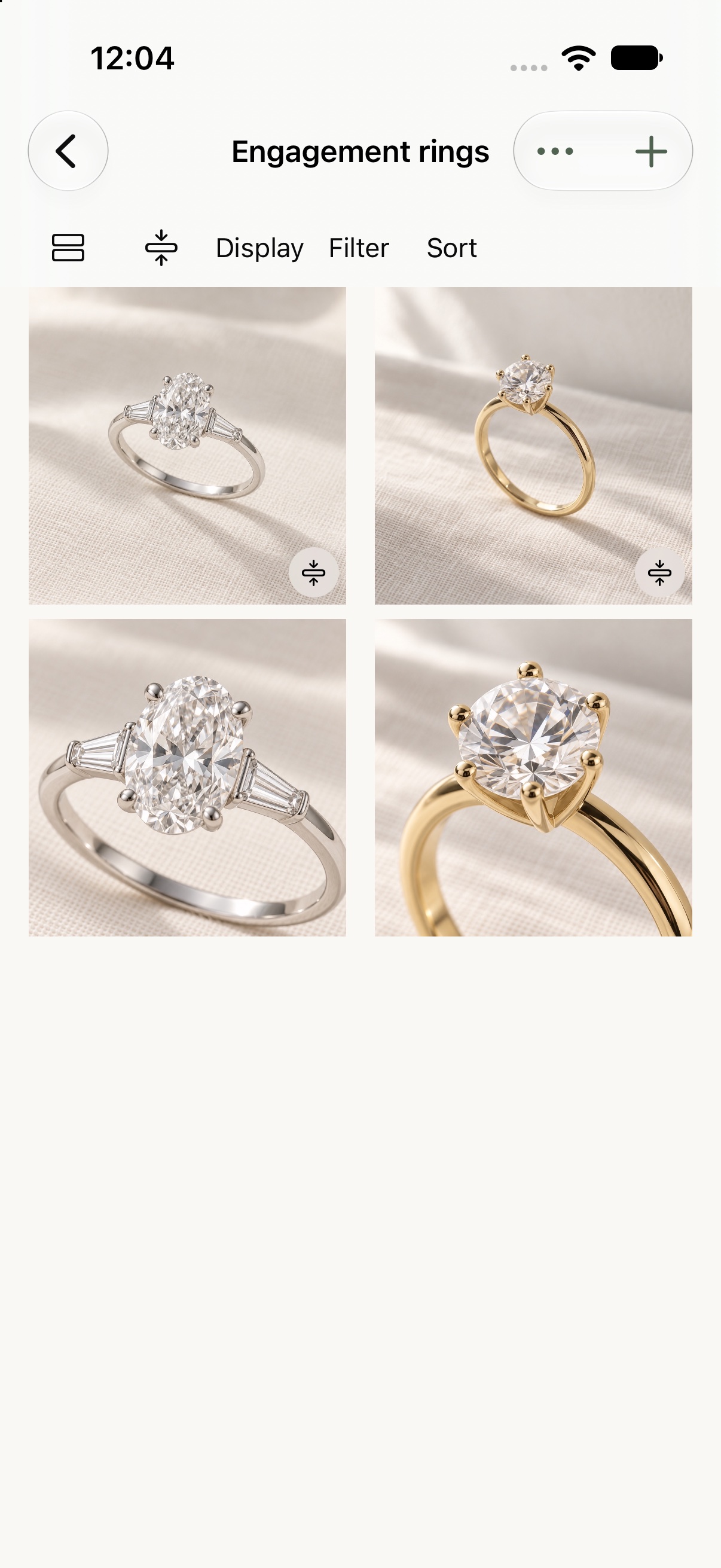
Its other view stays directly beneath it.
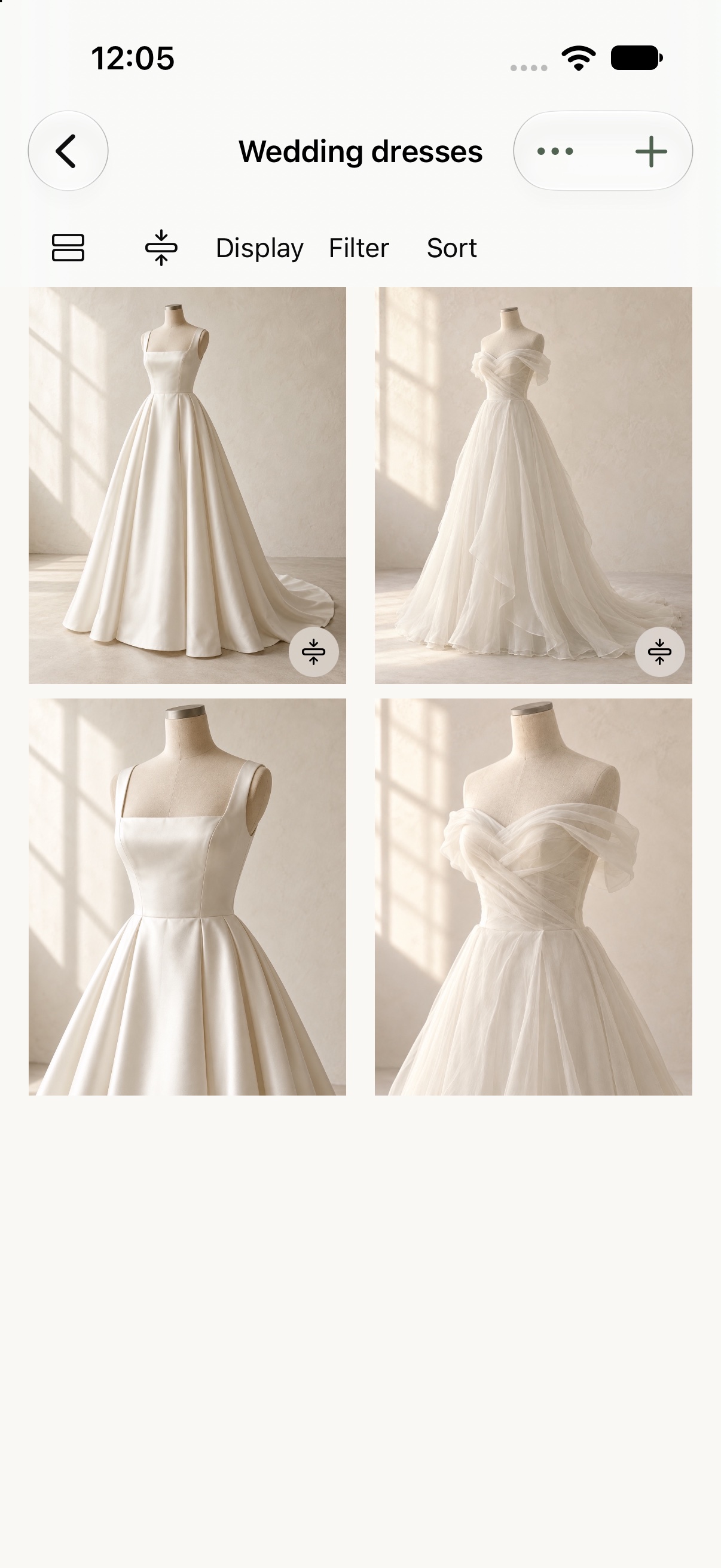
Compare its shape and neckline together.
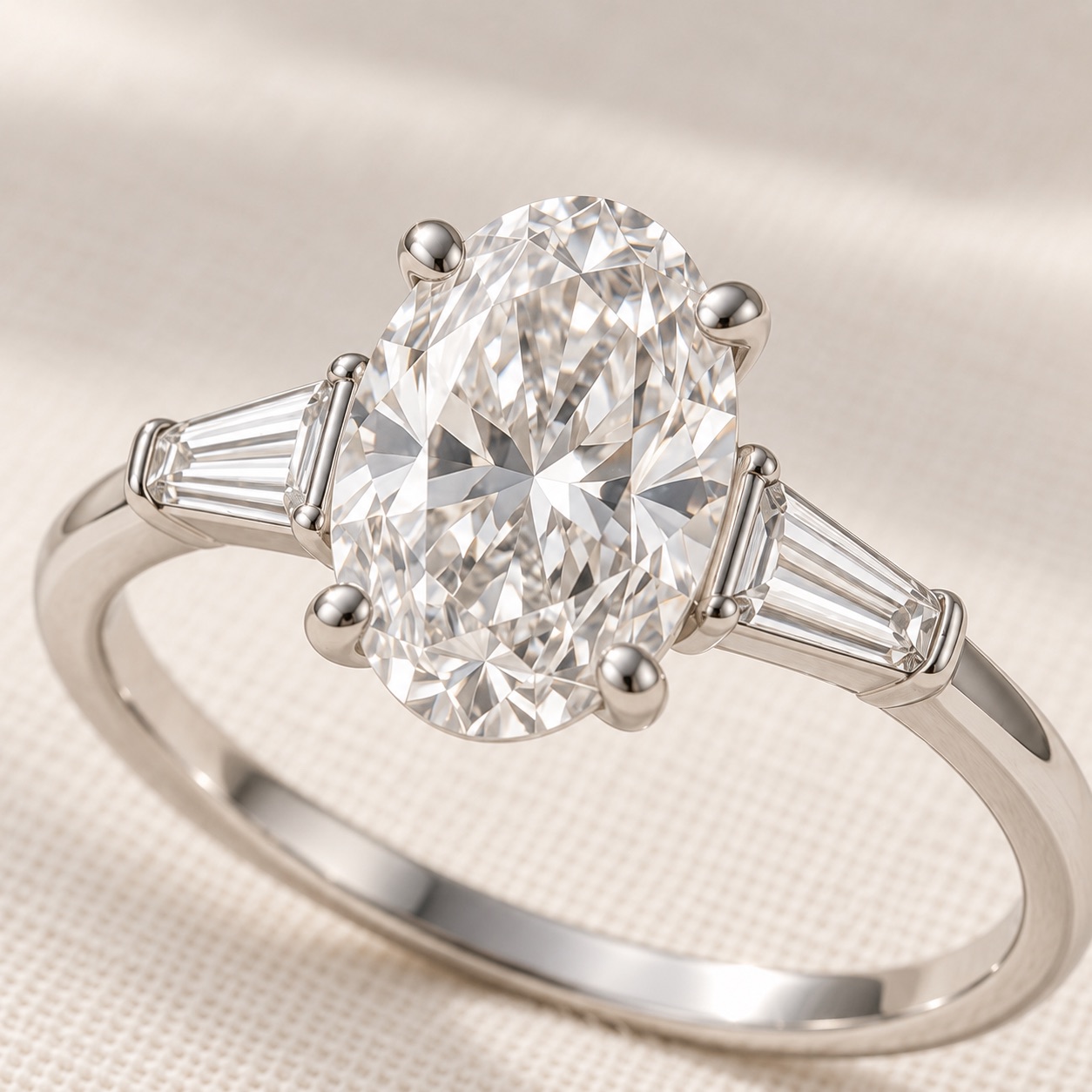
The details matter
Remember what made you stop.
A shape, a setting, a sleeve. Circle it, point to it and leave yourself a note. Add more later, edit your thoughts or hide the markings to see the original photo.
Keep this detail in mind when comparing the next option.
Good to know
A few details.
When can I download The Yes List?
The app is being prepared for the App Store. It is designed for iPhone and iPad. We will add the download link here when it is available.
Can I view a shared board in a browser?
Shared boards are viewed inside The Yes List. Both the owner and invited people use the app and an iCloud account. This website introduces the app and shows its features.
Are the example images real products?
The ring, dress and flower images are generated examples used to demonstrate the app. Any prices shown are illustrative. Nothing on this website is for sale.
How is my information handled?
Your saved ideas are stored on your device. Optional board sharing uses Apple's iCloud services; loading source websites and currency rates makes requests to those services. Read the privacy policy for the details and your choices.